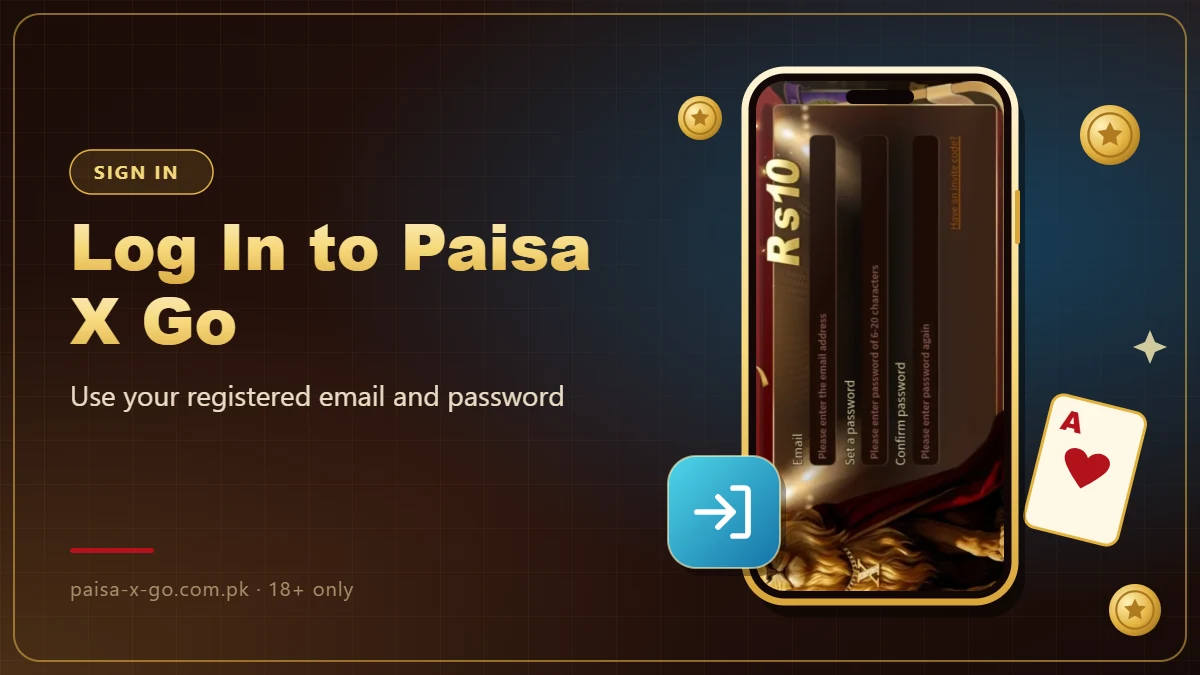
Log in to Paisa X Go with the email and password you used to register.
Login Steps
- Open the Paisa X Go app.
- Tap Login.
- Enter your registered email address.
- Enter your password.
- Tap Login to open your dashboard.
Forgot Your Password?
Use the Forgot Password option on the login screen. If you cannot reset it there, contact customer support from your registered email address.

Login Problems and Fixes
- Check your internet connection and try again.
- Make sure you are using the latest version of the app.
- Check the email address for typing mistakes.
- Clear the app cache from your phone settings, then reopen the app.

Keep Your Account Safe
- Never share your password with anyone.
- Log out after playing on a shared phone.
- Avoid public Wi-Fi when logging in or making payments.
- Download the app only through the download button on this site or the app’s own website.